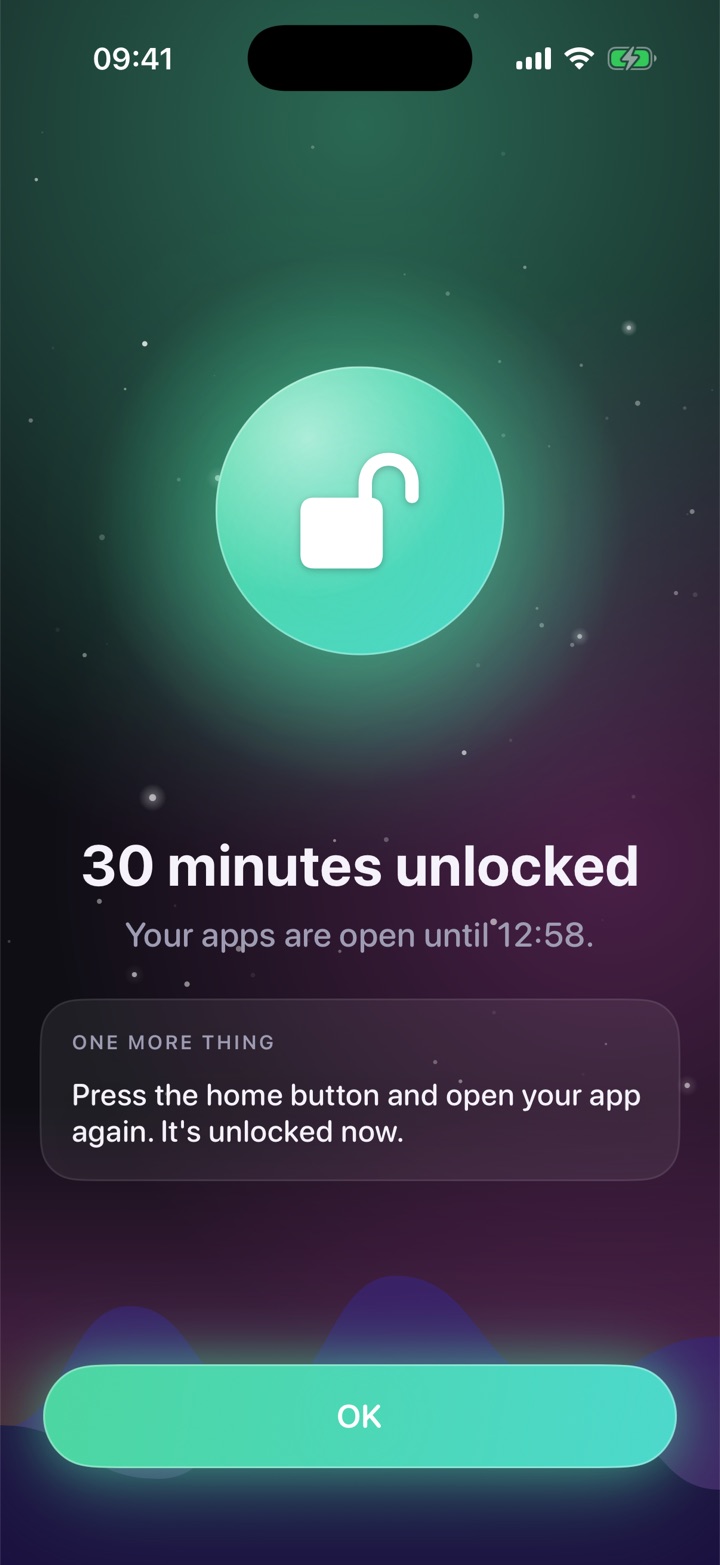
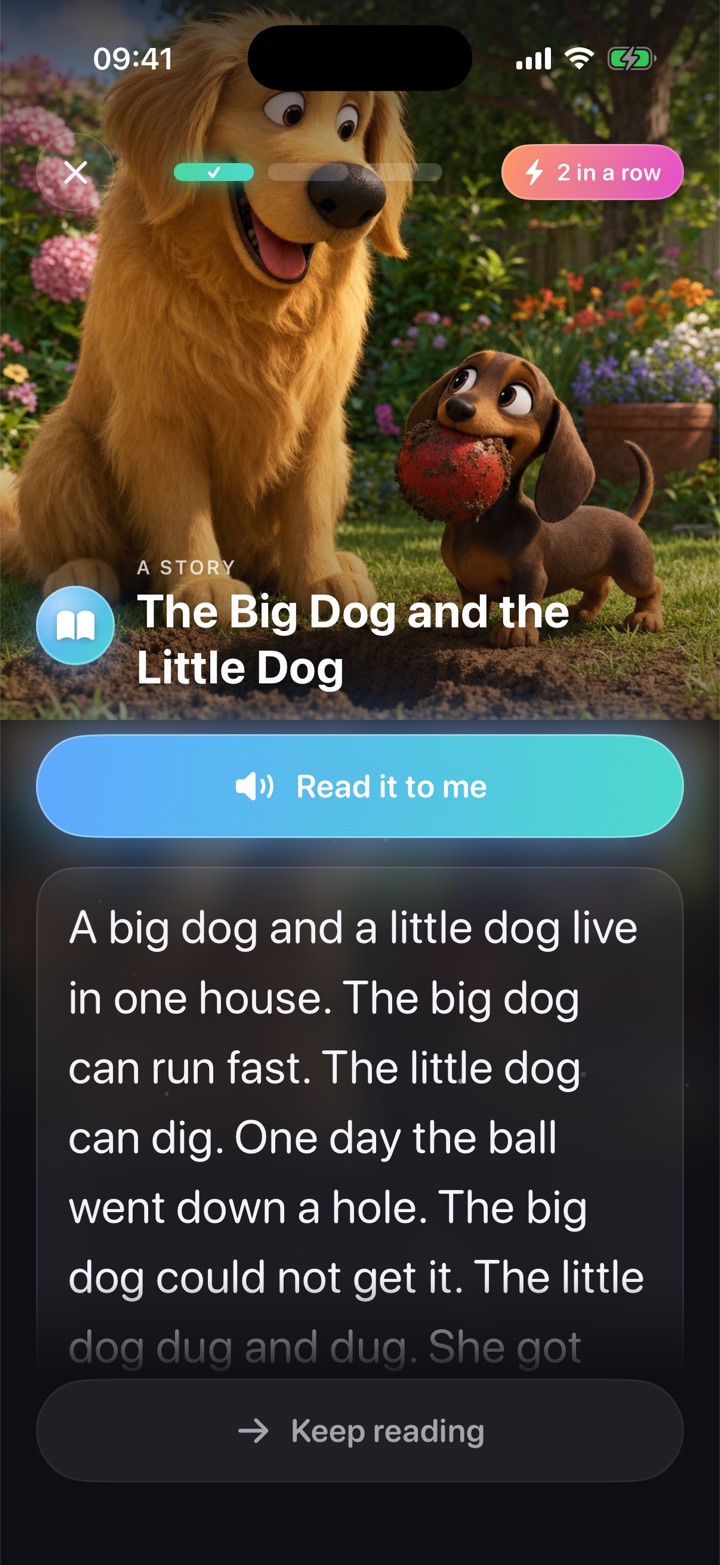
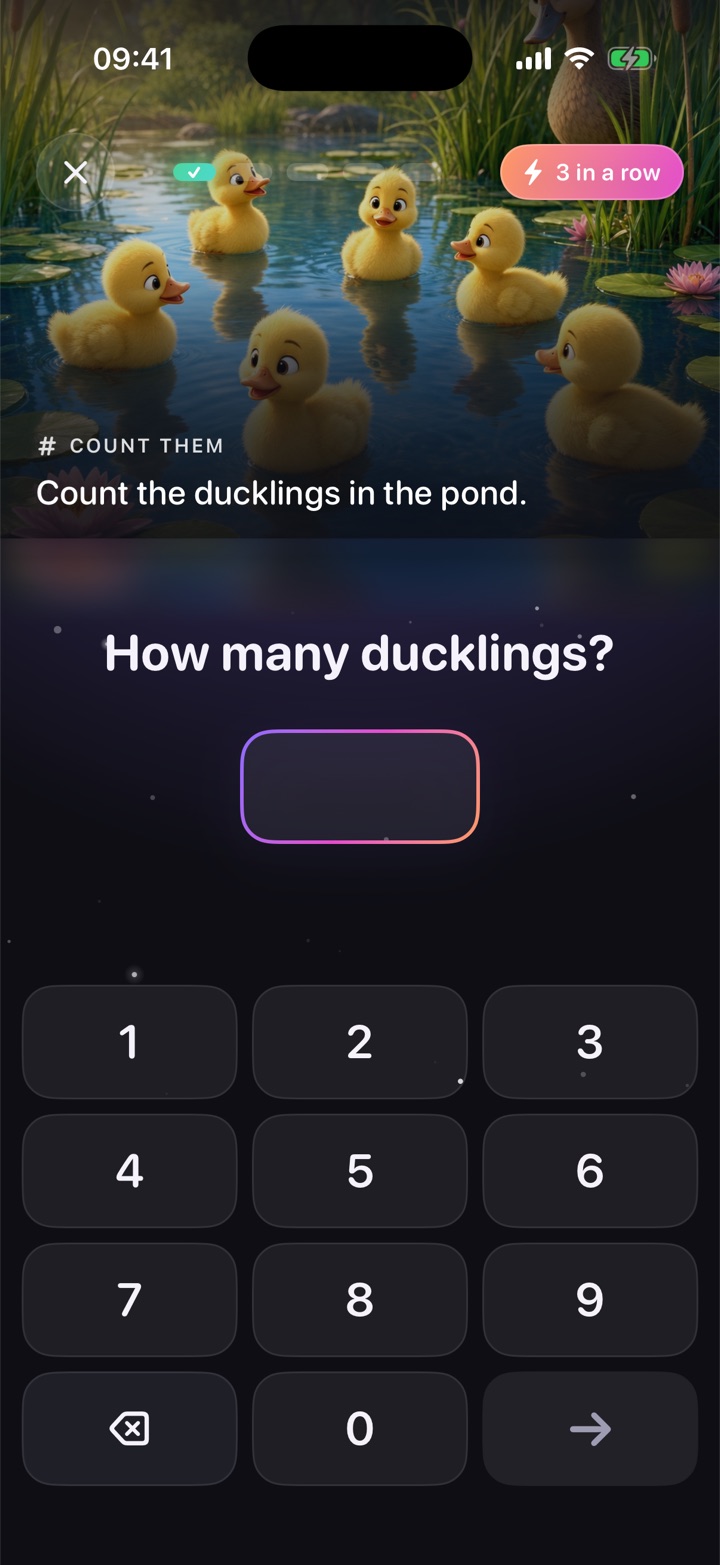
Your child's chosen apps stay blocked until they finish a short lesson. Five maths questions or a story — about three minutes — and the apps open for the time you set.
Unlocked until 16:42The Big Dog and the Little Dog · 3 of 3
How it works
Blocked, earn, unlocked. Then blocked again.
You pick the apps. Your child does a short lesson to open them. When the minutes run out, the block comes back on its own.
1The block
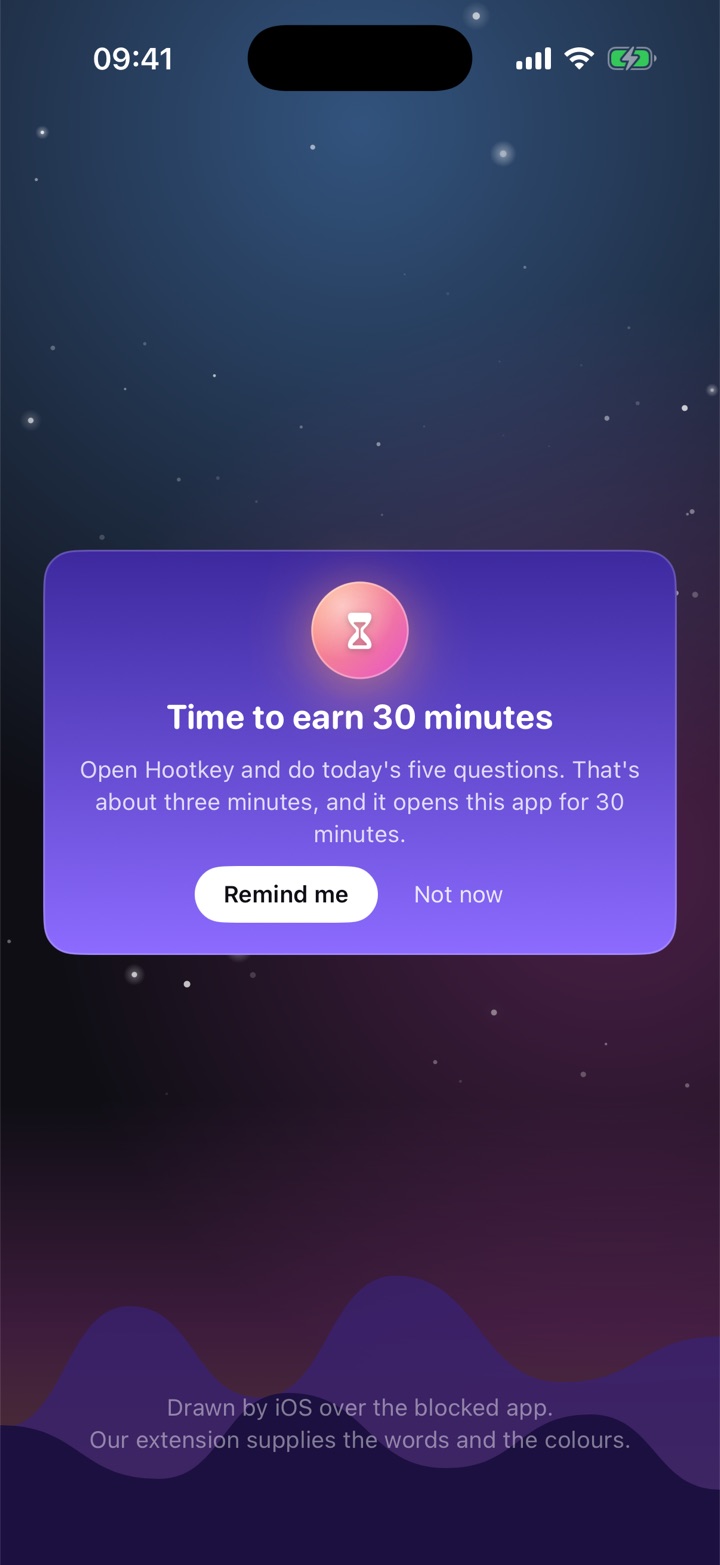
They open YouTube. iOS shows the shield.
Built on Apple's own Screen Time controls, so it holds — no uninstalling, no VPN trick, no arguing.
2The lesson
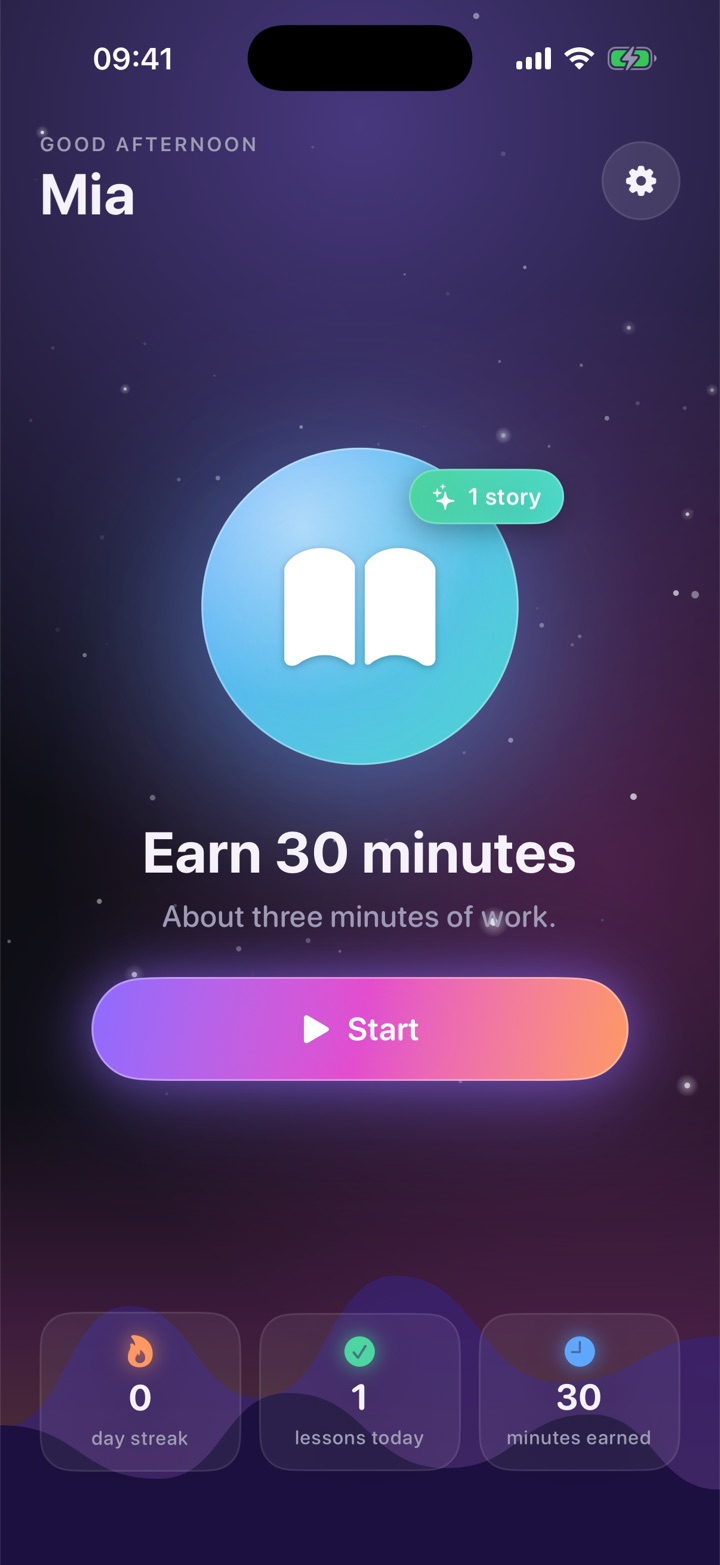
Five questions, about three minutes.
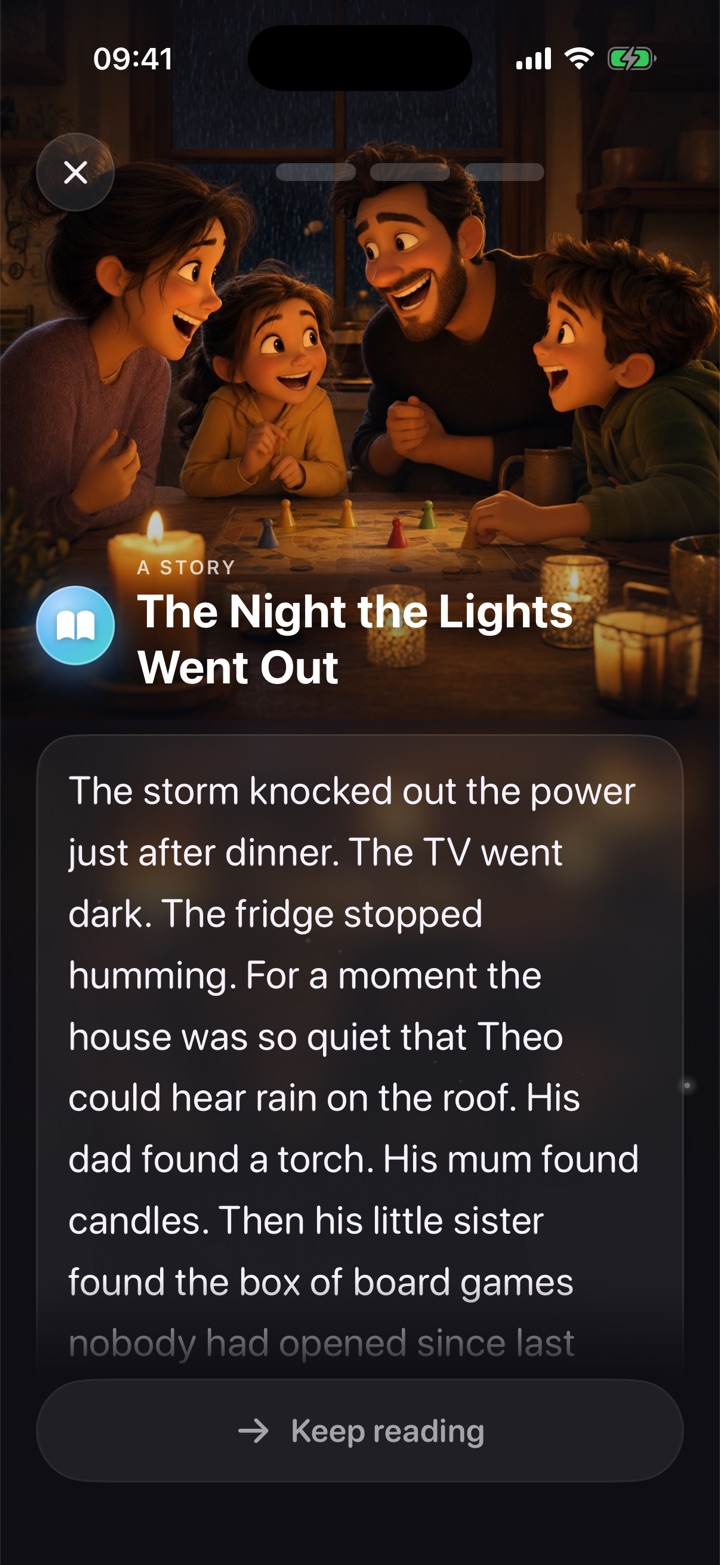
Illustrated maths or a short story, pitched a touch above where they are. A wrong answer shows the working and asks again — it never fails them out.
3Unlocked
Thirty minutes, earned. Then the shield returns.
You set the minutes, a daily cap and quiet hours. When the window ends, the block is back — nothing for you to do.
3 mina typical lesson
30 minearned per lesson — you choose
K–6maths and reading, to US grade standards
0ads or trackers in your child's app
Read it to me 3 in a row
Lessons
Illustrated maths. Fresh stories. Written for the grade they're actually on.
Placement finds your child's level within a couple of days and eases back on the skill that needs it. Kindergarten and first grade can have every story read aloud.
Count, add, round, divideEvery question traceable to a grade-level standard.
Stories with three questionsLiteral, inference, vocabulary — each labelled by what it asks for.
Never a fail, never a timerA wrong answer shows the working and asks a sibling question. The minutes come either way.
New every monthA fresh pack on the first of the monthAround 30 illustrated maths questions and six new stories, matched to your child's grade. Packs arrive while you subscribe; the free starter set never expires.
For parents
The controls on your phone. The proof every Sunday.
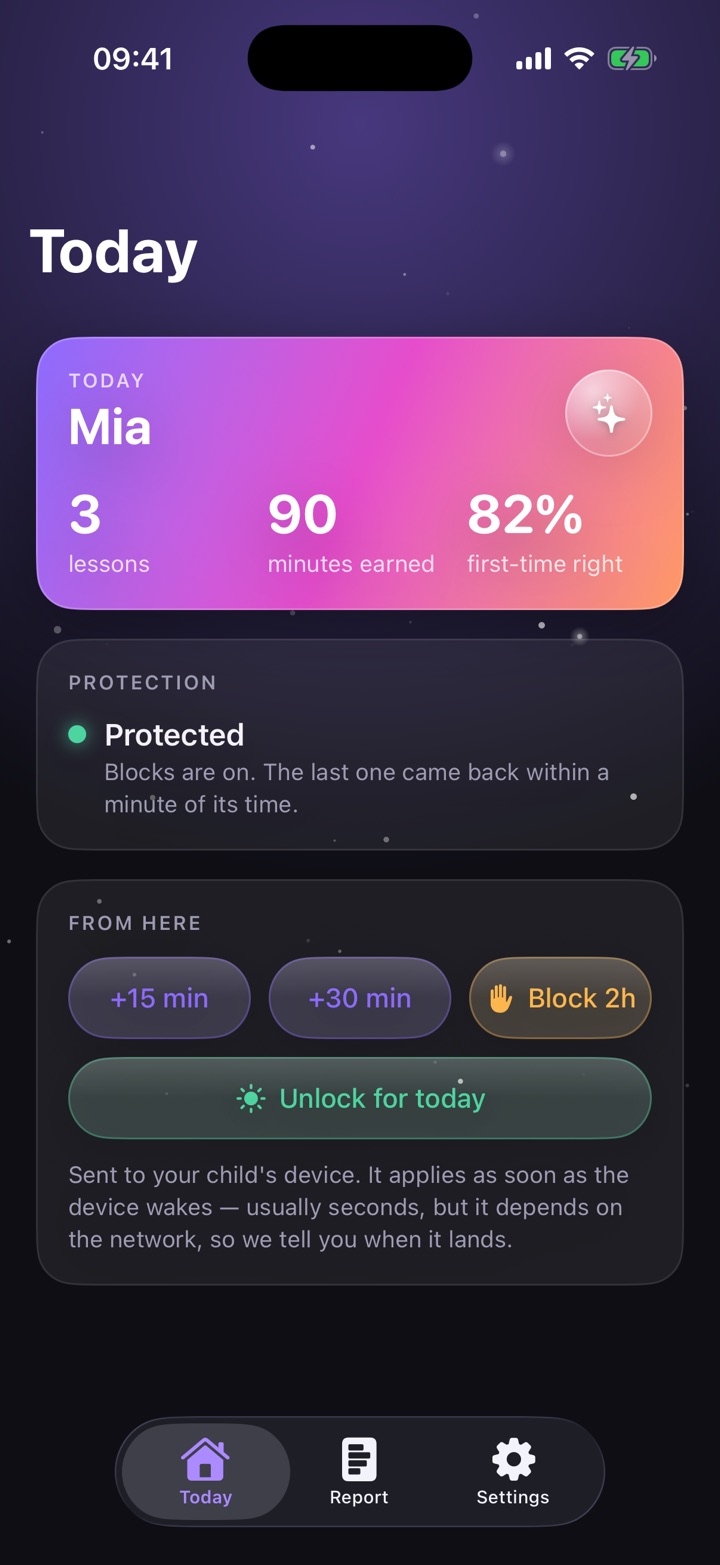
Today
Bonus minutes, a pause for the car, lock it now.
Lessons, minutes, accuracyWhat happened today, at a glance.
+15 or +30 minutes, remotelyFor a long drive, a reward, or a rainy afternoon.
Every rule, in one placeMinutes per lesson, daily cap, quiet hours, lesson mix.
The Sunday report
Three minutes to read. One thing to watch.
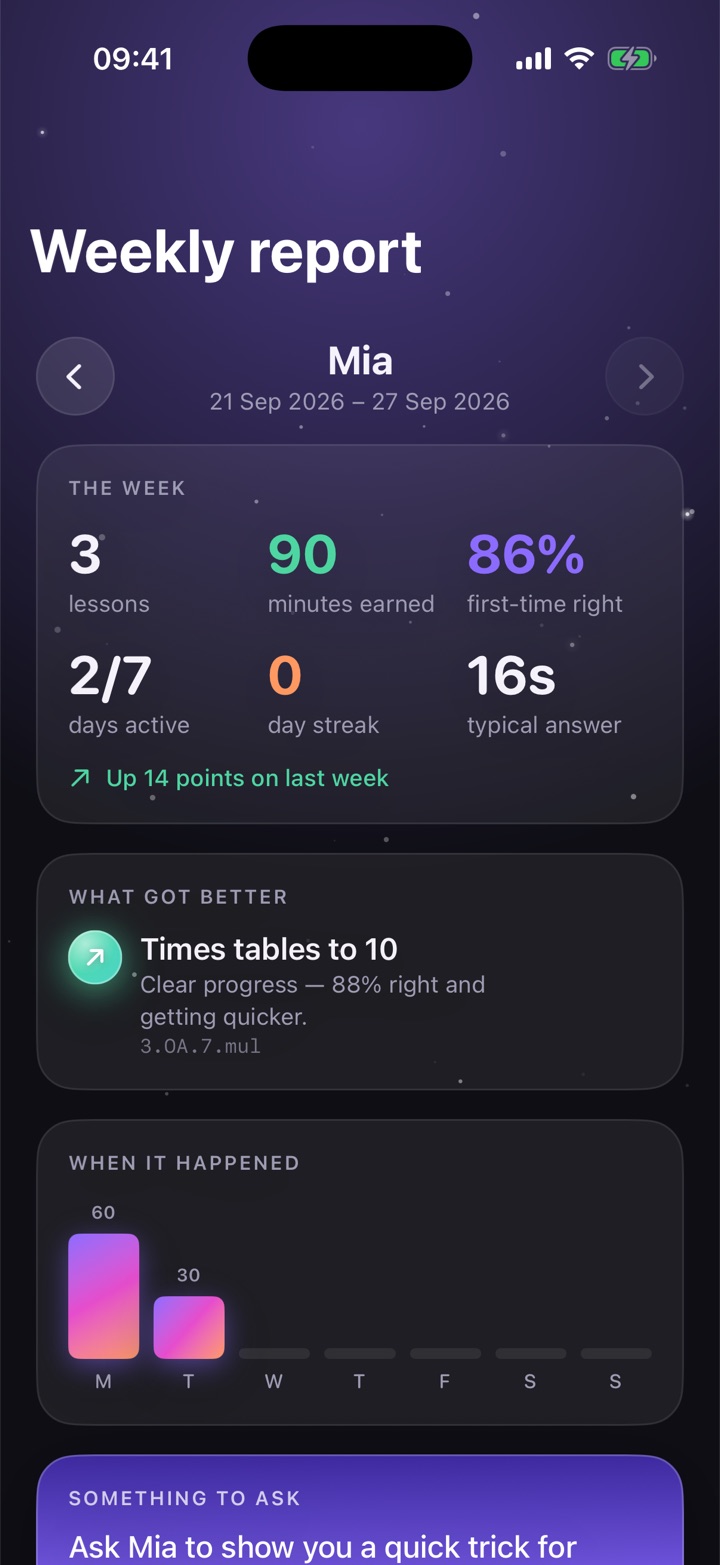
What got betterNamed by skill, traceable to a grade-level standard.
The one to watchAnd what the app is already doing about it.
Something to ask at dinnerA question about this week's practice, ready to go.
Pricing
The block is free. Your rules are the subscription.
Your child earns their apps with a lesson whether you pay or not — 30 minutes at a time, three times a day. What a subscription buys is everything that runs while you are not in the room.
Quiet hoursNothing unlocks after bedtime, with later hours on Friday and Saturday nights if you want them.
Your own limitsChoose the minutes a lesson buys and how many a day, or switch to daily-goal mode.
The Sunday report, and your phoneWhat your child actually did, plus bonus minutes and pause from wherever you are.
A new pack every monthAround 30 illustrated questions and six new stories, matched to your child's grade.
Free$0foreverThe block, the lessons and the timer, on our defaults. No card, no account, no expiry — so nobody is ever locked out of their own iPad.
Cancel any time in Settings. The block and the lessons carry on; your rules go back to ours and packs stop arriving. Nothing is removed from your child's device and nothing gets stuck. Requires iOS 16 or later and a child account in Family Sharing.
FAQ
Straight answers about how it works on iOS
Not on a child account in Family Sharing. The shield is Apple's own Screen Time control, and only you can remove it — from your phone, or with your grown-up PIN on theirs.
The block keeps working and your child keeps earning time — 30 minutes a lesson, three a day, which is what the free plan is. What stops is the part that runs unattended: quiet hours, your own limits, bonus minutes from your phone, the Sunday report and new packs. Nothing is removed from your child's device, and everything you had set is still there if you come back.
Because a family whose card expires should never find their child's iPad stuck, and because you should be able to see the thing work on your own kid before you pay for it. We would rather sell you the rules you actually want than hold the block hostage.
It can be, when the reward is for getting answers right. Here the minutes are for doing the practice, not the score — a wrong answer shows the working and asks again. That is the distinction the motivation research turns on.
Any app or category you pick during setup — YouTube, games, TikTok, the lot. Change the list any time from grown-up settings.
Only this app's own lesson events. Apple does not let Screen Time usage data leave the device, and the report says so rather than blurring the line.
iPhone and iPad first, because that is where the block can be made to hold. Leave your email below and we will tell you when that changes.